I’m such a fan of Advent of Code: daily coding puzzles every December. Last year I wrote about using it to learn TypeScript and Go, and reflected:
Using Advent of Code to learn these is lots of fun, but I’ll be honest — having a look at some of these more unusual ideas makes me tempted to try something more ambitious! Maybe I’ll look to overcomplicate things more next year.
— Me, November 2025
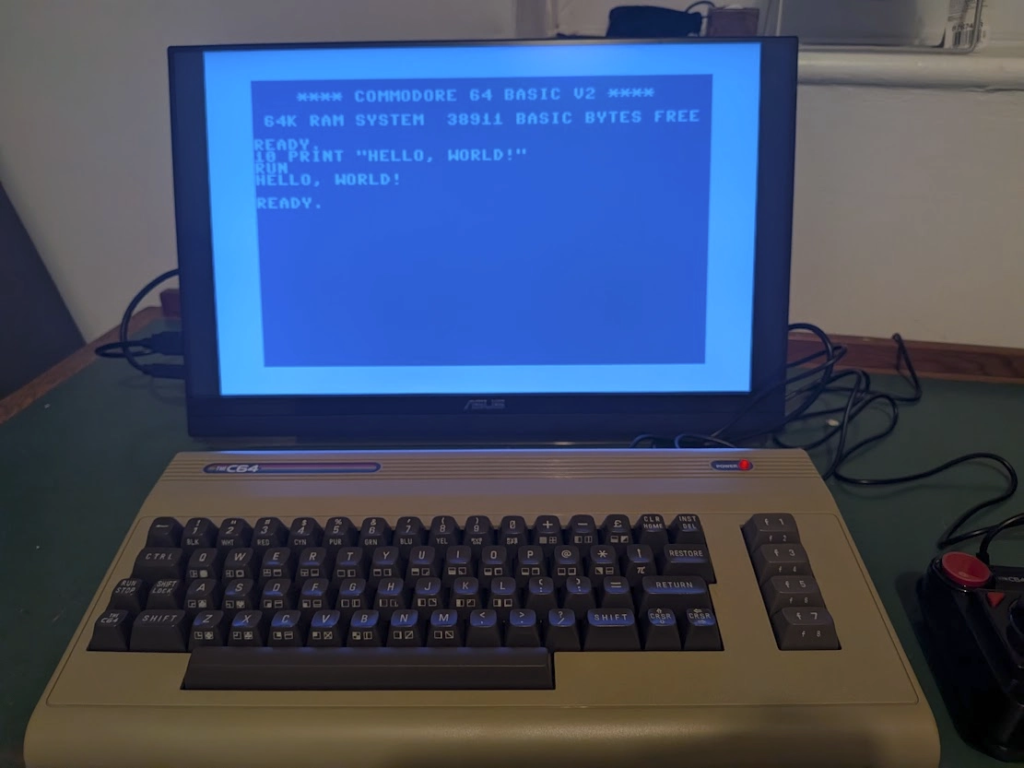
I’ve just bought a replica Commodore 64 — the computer that introduced me to programming — and I’m going to try solving this year’s puzzles with it. I’ll be happy if I solve just one before giving up and heading back to the modern computers and languages I’m more used to.
Programming, a personal history
My dad tells me our first computer was a Commodore VIC-20, bought when I was a toddler. I don’t really remember that one but a few years later he bought us a Commodore 64, which I remember vividly — both the fun games we waited patiently to load (we only had a tape deck, no floppy disk or hard drive for us) and that tempting READY prompt inviting you to start typing code as soon as the computer turned on.
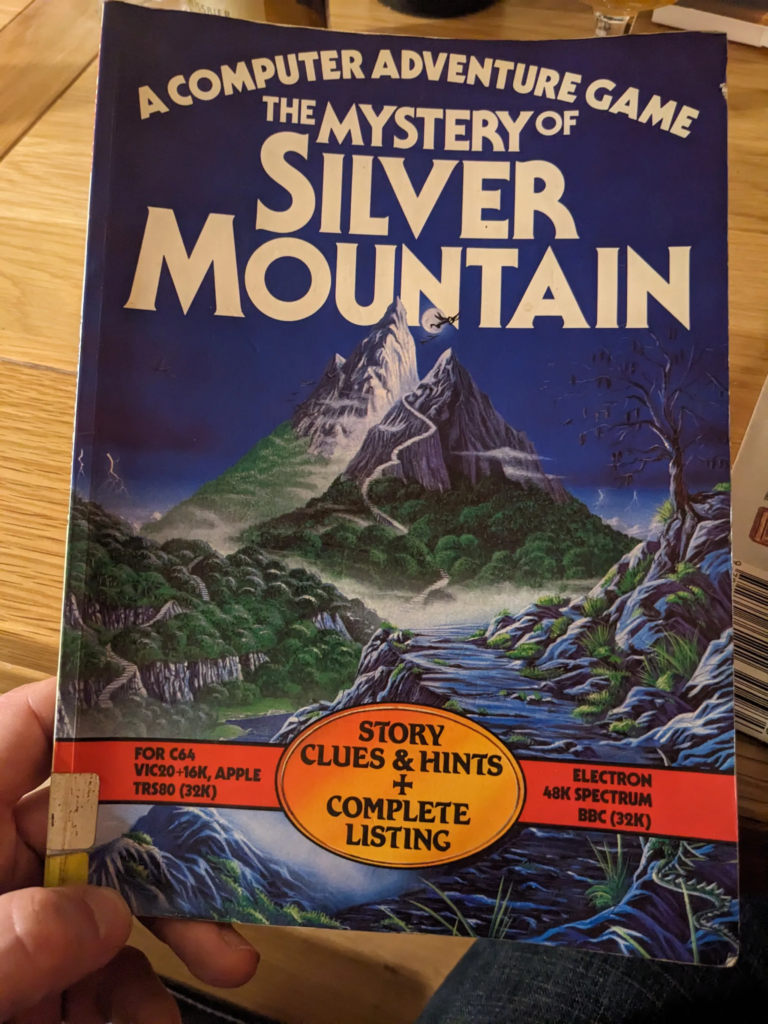
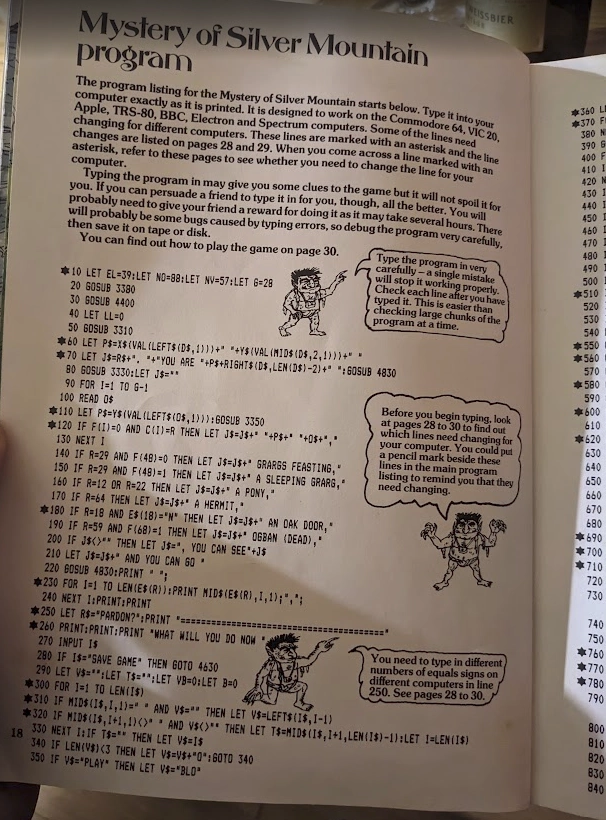
Usborne books and computer magazines gave me plenty of things to try out. Just a few years ago we found a “Mystery of Silver Mountain” book in my parents’ loft, with a school library due date slip on the front page saying it was due back in October 1988. It’s got so many pages of code you need to type in to play the game. 9-year-old me must have wanted to hang onto it until I’d typed in the whole thing, I hope I don’t get in trouble for it being so overdue.
Learning the basics of programming with Commodore BASIC was such a useful first step for me, helping me get some “this is what programming is” fundamentals that gave me confidence to try other languages.
Back to basics
BASIC (Beginner’s All-purpose Symbolic Instruction Code) was created in 1964 at Dartmouth College, at a time when most people had never even seen a computer. Professors John Kemeny and Thomas Kurtz developed the language and a computer time-sharing system so they could encourage all staff and students, of all subjects, to learn what computers could do for them. Time magazine has the whole story: Fifty Years of BASIC, the Programming Language That Made Computers Personal.
Our vision was that every student on campus should have access to a computer, and any faculty member should be able to use a computer in the classroom whenever appropriate. It was as simple as that.
— John Kemeny, in a 1991 video interview linked from the Time article.
BASIC caught on outside of Dartmouth; a famous next step was when a 19-year-old Bill Gates teamed up with his friend Paul Allen to found “Micro-soft” to start porting BASIC to different computers. When they met with Commodore, they suggested $3 per machine sold with their BASIC on it, but instead agreed to Commodore’s offer of a one-off $25,000 payment for unlimited use. Every Commodore 64 sold had this Microsoft-written BASIC on it, even as the C64 went on to win a Guinness World Record for best-selling computer ever (a record it still holds).
Want to give it a try? This Lost Ways of Programming interactive tutorial lets you easily get a feel for what it’s like (some syntax isn’t identical to the original, as I found when I tried to follow along on my new C64 machine, but the author explains why “close enough” was what he went for).
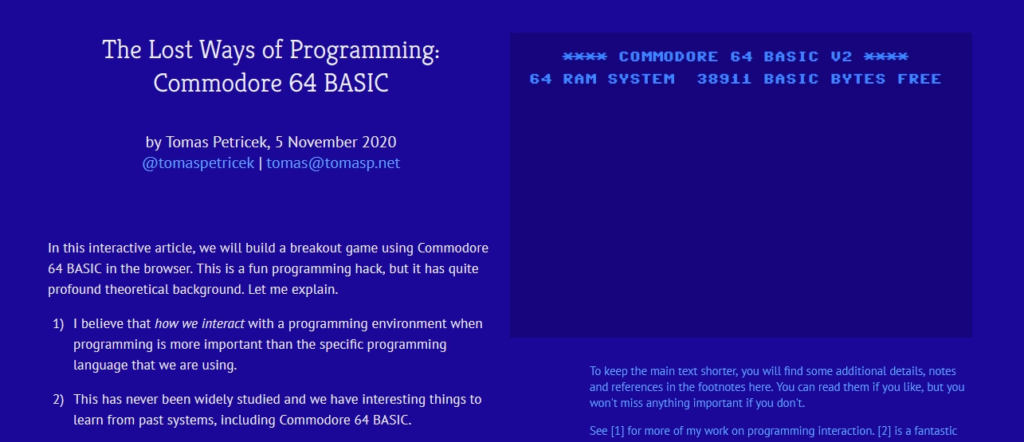
There’s lots of good resources online; this tutorial walks through logistics of saving, typing and special keys as well as teaching you to make a text-based game. You can also refer to the classics, like the original user’s guide that came with every C64 and jumps straight into programming within a few pages. Good for spotting all kinds of gotchas that might catch me out when solving a Christmas-themed coding puzzle.
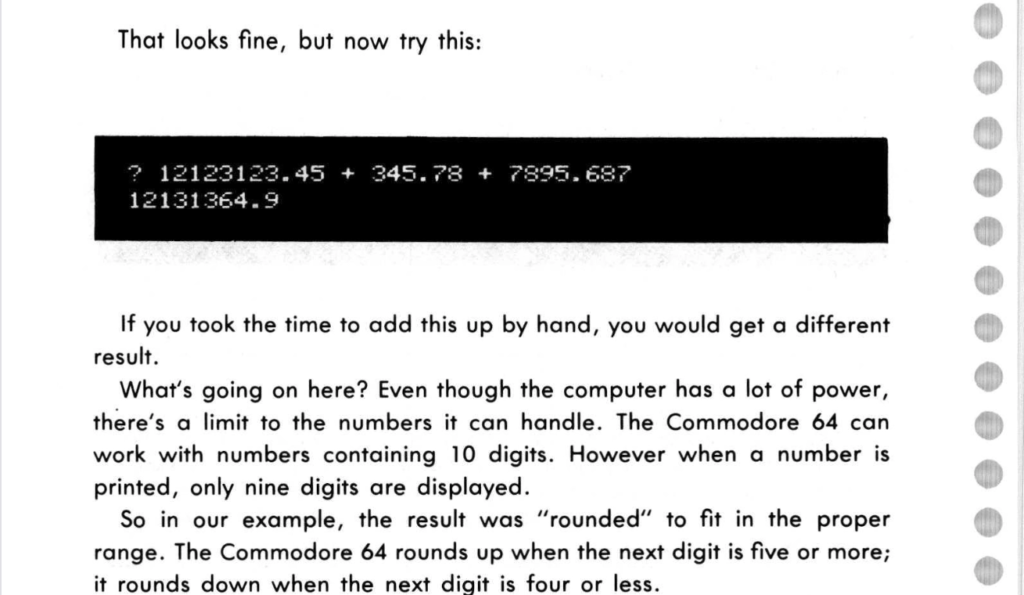
I’ve also treated myself to an original Programmer’s Reference Guide I found on eBay, for that authentic ring-bound experience.
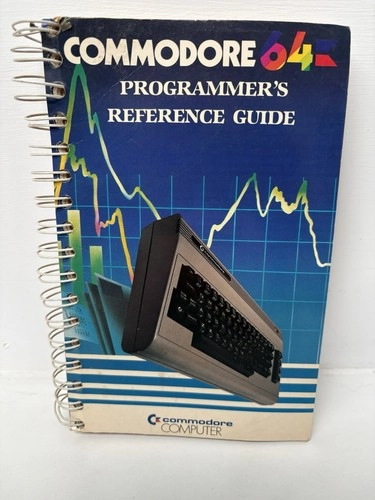
If you’d like to try some C64 programming yourself, you could use:
- Any browser: Here’s an online emulator.
- The same “TheC64” from Retro Games I bought: very authentic feeling computer (with all those odd symbols on the keys) and clicky joystick, using modern hardware and emulator inside but you’d never guess.
- The fancy Commodore 64 Ultimate, made by a revived Commodore and hardware-compatible with all the original peripherals.
I was tempted by that last one, but it’s a fair bit more expensive … and crucially, looks like the next time they’re shipping is February, too late for my Advent challenge. Let’s see if I feel the need for one after trying out this simpler version.
Know your limits
I’ve completed each Advent of Code for the last few years but I’m very sceptical about being able to do the whole thing on a C64.
- Here’s someone’s BASIC solutions from 2022 for early puzzles — they had to stop when the puzzles got too complex
- Here’s Jukka Jylänki’s incredible process that involved writing a C++ IDE for the C64, and streaming the code to a modern PC for compilation (I cannot imagine setting this up)
What makes it so tricky? One hint comes right on the C64’s welcome screen: 38911 BASIC BYTES FREE. The Commodore’s 64K of RAM was an impressive amount in its day (just 13 years before this machine came out, the computer used in the moon landings had only 4K RAM). But look, before you’ve even written any code a huge chunk of that is gone. How much program code, and data to process, needs to be in RAM for some of these puzzles?
Other things on my mind:
- According to the manual, I can enable REU (RAM Expansion Units), up to 16MB! But I’ll need to read up on how to let my programs take advantage of that.
- The VICE emulator my machine runs on has a “Warp” mode that might triple the CPU speed (from its current 1MHz), not sure yet how well that might work.
- Commodore BASIC runs as an interpreted language (meaning execution is slow and reading things like
REMcomment lines add to your runtime). A compiler can make a huge difference. - If you really want to get the most out of the hardware, leaving BASIC and moving to assembly language is the way to go … but I’m very daunted by that idea!
And of course … I’m very used to all sorts of “quality of life” language features that I’ll be missing:
- You can use descriptive variable names if you like, but only the first two characters in a name are significant … and they’re all global variables.
- You can declare functions (but only one line long, and one parameter), and subroutines (no name and no parameters).
- We’ll be hitting all kinds of language limits (max string length is 255, max integer is 32767, and it uses 40 bit floats that are very different from the IEEE floats all modern languages use).
- You do get arrays … but no dictionaries, record types, or the kind of extensive standard library I’ve been spoiled with for decades.
Last year I even felt limited by the very modern Go language in one puzzle and reached for Python libraries rather than roll my own linear optimisation code (see “I get along without you very well (except sometimes)”).

Watch out for distractions
The main thing that might hold me back from becoming a C64 programming expert this December is … almost every game I loved as a youngster and haven’t seen in decades is now available online, to put on a USB stick and start playing on this C64 keyboard and joystick.
I was so impressed as a kid when the intro to this Ghostbusters game started playing the actual movie theme.
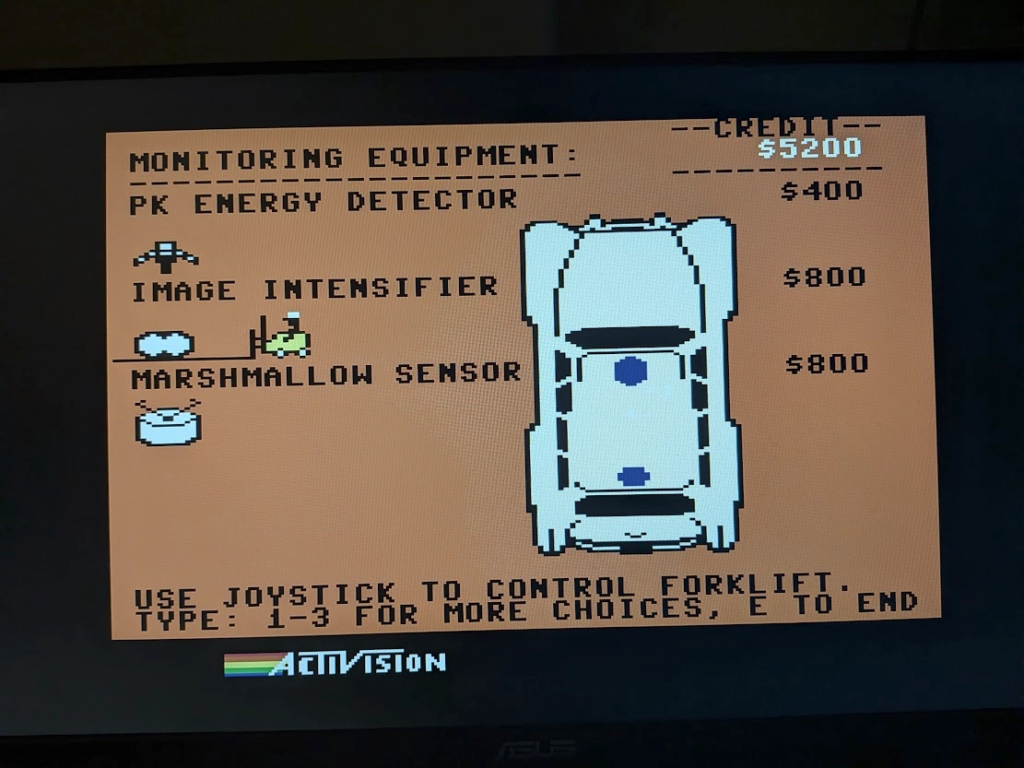
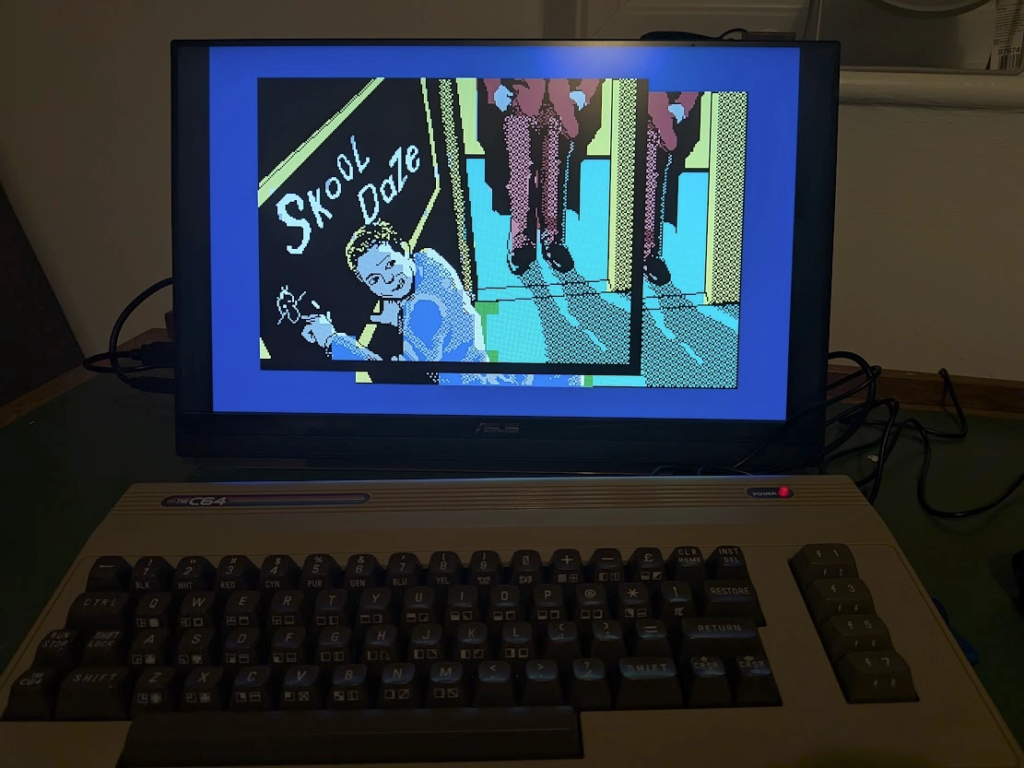
There’s piles of games I’m remembering (with the help of my brothers). Dizzy, Paperboy, Star Wars, California Games, International Karate Plus… have a look at c64.com for a huge range.


Leave a Reply